Missing Fonts in a DWG File: Why Text Looks Wrong and How to Fix It
Text in your DWG shows as question marks, boxes or the wrong style? Learn why fonts go missing, what SHX fonts are, and how to fix it in AutoCAD and viewers.

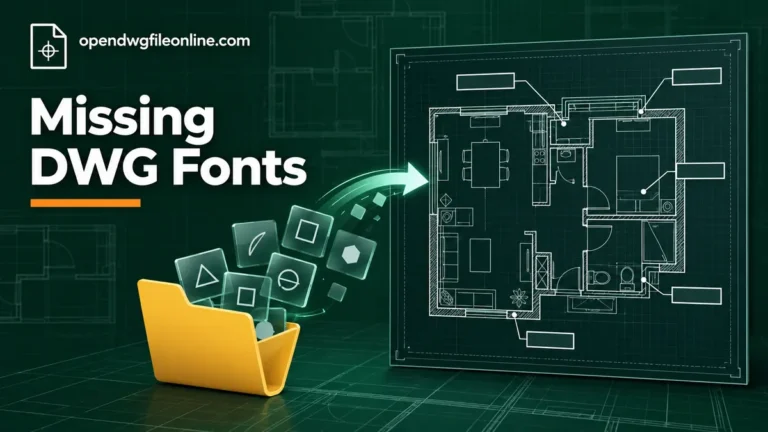
Text in your DWG shows as question marks, boxes or the wrong style? Learn why fonts go missing, what SHX fonts are, and how to fix it in AutoCAD and viewers.
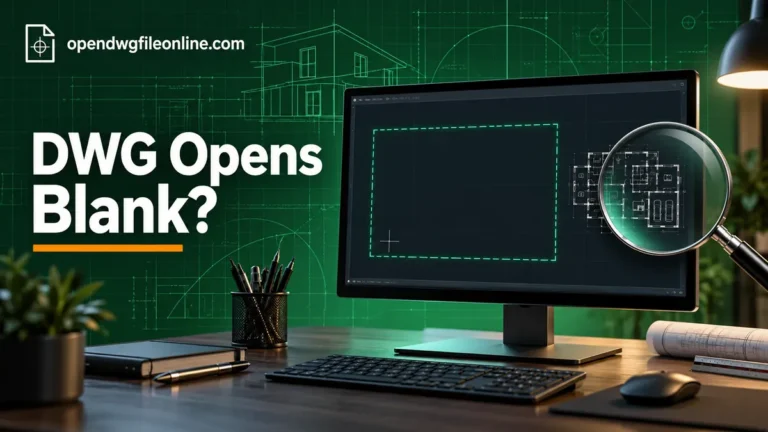
Your DWG opens but the screen is empty? The drawing is usually still there. Here are 9 reasons a DWG looks blank and the quick fix for each one.
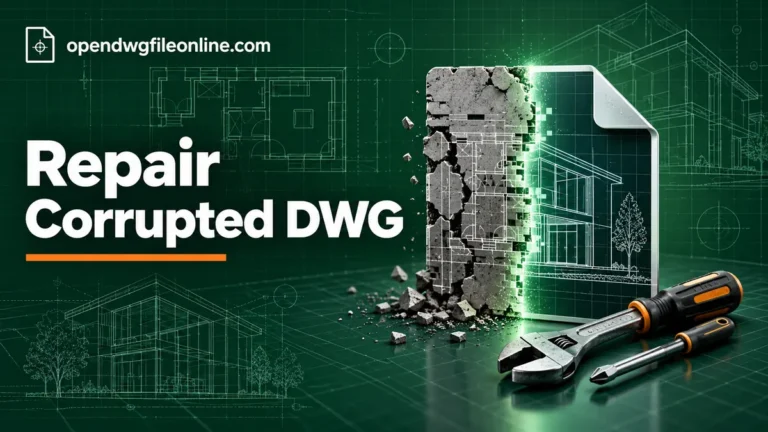
A step-by-step guide to repairing corrupted DWG files with AUDIT, RECOVER, WBLOCK, a DXF round trip and backup files, plus how to stop it happening again.
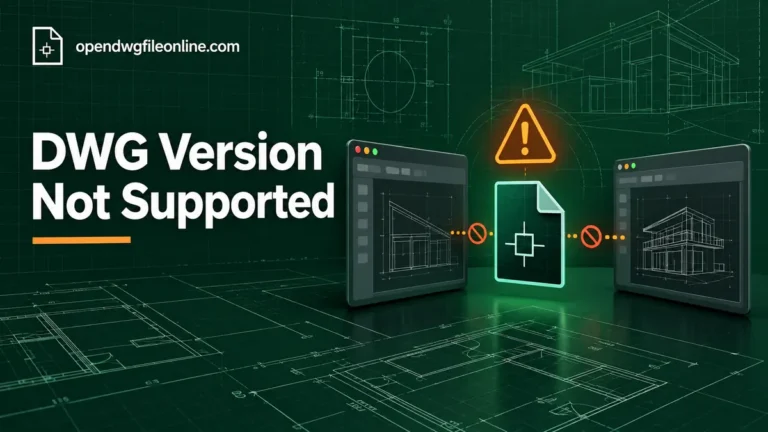
Getting a “DWG version not supported” or “created by a newer version” error? Learn why it happens and four simple ways to open or convert the drawing.
Seeing “Drawing file is not valid” when opening a DWG? Here’s what causes it and how to fix it, from re-downloading and version checks to RECOVER and .bak.
No AutoCAD? You can still open a DWG file for free. Here are the browser, desktop and phone options that work, plus what to do when a file won’t open.
DWG TrueView doesn’t run on macOS. Here’s how to open a DWG file on a Mac for free, in your browser or with an app, plus fixes for common problems.
Windows can’t open DWG files on its own. Here’s how to view them free with a browser viewer or DWG TrueView, set a default app and fix common errors.

Got a DWG file on your iPhone? Here’s how to open it free in Safari or with an app, how to save it from email, and how to fix files that won’t load.

Android says “no app can open this file”? Here’s how to open a DWG on any Android phone or tablet, in Chrome or with a free app, and fix common errors.