How to Open a DWG File Without AutoCAD (Free Ways That Work)
Someone sent you a DWG file. Maybe it’s a floor plan from your architect, a part drawing from a supplier, or a site layout from a contractor. You double-click it and Windows asks which app should open it. You don’t have AutoCAD. You don’t want to pay for AutoCAD just to look at one drawing.
Good news. You don’t need it.
A DWG file is just a drawing saved in AutoCAD’s native format. Plenty of free tools can read that format. Some run in your browser. Some install on your computer. Some live on your phone. This guide walks through each option, tells you which one we’d pick for different situations, and covers the problems people hit most often.
What a DWG file actually is
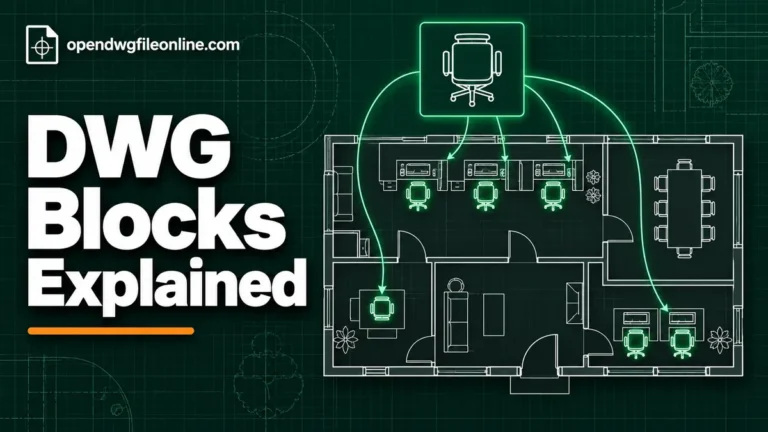
DWG is short for “drawing.” It’s the file format AutoCAD has used since the 1980s. Architects, engineers, surveyors and product designers use it every day. A DWG file holds lines, arcs, text, dimensions, layers and blocks. It can also hold 3D objects, though most DWG files you’ll get from a builder or designer are 2D plans.
The format isn’t open like PDF. Autodesk owns it. But other companies and open source projects have worked out how to read it, so you have real choices.
One thing to know before you start. Viewing a DWG is easy. Editing one properly is harder. Most free tools let you look, zoom, measure and print. Very few let you change the drawing and save it back safely. If you only need to see what’s in the file, you’re in the easy group.
Option 1: Open the DWG file in your browser
This is the fastest way. No install, no account, nothing to update.
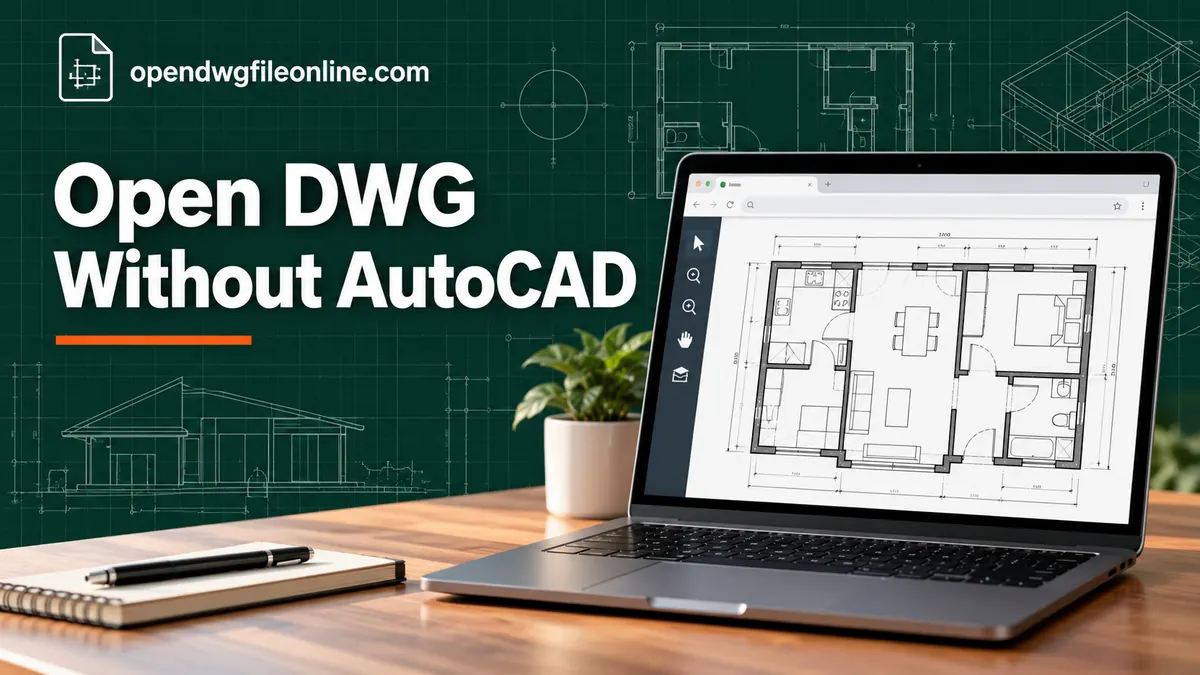
Our own free online DWG viewer works like this:
- Go to the viewer on our homepage.
- Drag your DWG file onto the box, or click the button and pick the file.
- Wait a few seconds while the drawing loads.
- Scroll to zoom, drag to pan, and use the toolbar to switch layers or measure.
The file is read inside your browser. It isn’t uploaded to our server. That matters if the drawing belongs to a client or has details you shouldn’t share.
Browser viewers are best when you need a quick look. They’re great on a work laptop where you can’t install software, on a Chromebook, or on someone else’s computer. They also work on phones, though a big drawing is easier to read on a larger screen.
The trade-off is that very large or very unusual files can take a while to open in a browser. If that happens, read our guide on DWG files that won’t open.
Option 2: Autodesk Viewer
Autodesk, the company behind AutoCAD, runs a free web viewer. You sign in with a free Autodesk account and upload your file to their cloud. It then shows the drawing in your browser.
It handles 2D and 3D files well. It also lets you add markups and share a link with someone else. The catch is that your file goes to Autodesk’s servers, and you need an account. For private drawings, some people prefer a viewer that keeps the file on their own device.
We wrote a full walkthrough in our Autodesk Viewer guide.
Option 3: DWG TrueView on Windows
DWG TrueView is Autodesk’s free desktop viewer for Windows. It’s a big download, but it’s the most faithful way to view a DWG without AutoCAD, because it uses Autodesk’s own engine.
TrueView lets you:
- Open and view DWG and DXF files
- Measure distances and areas
- Print and plot to scale
- Convert a DWG to an older version so older software can open it
You can’t edit the drawing in TrueView. But for checking a set of plans, printing them, or converting versions, it’s hard to beat. See our DWG TrueView guide for the setup steps.
TrueView doesn’t run on Mac. If you’re on a Mac, skip to the section on opening DWG files on a Mac.
Option 4: DWG FastView
DWG FastView comes from Gstarsoft, a CAD company. It has versions for Windows, Mac, iPhone, Android and the web. The free version lets you view and do light edits. Some features sit behind a paid plan, and the free apps show ads.
It’s a good pick if you want the same tool on your phone and your computer. Our DWG FastView guide covers it in more detail.
Option 5: A phone app
If the file came by email and you’re on your phone, you have two easy choices. Open it in a mobile browser using an online viewer. Or install a viewer app like the AutoCAD mobile app or DWG FastView.
Phone screens are small, so expect to zoom a lot. For step-by-step help, see our guides for iPhone and iPad and Android.
Which option should you pick?
Here’s a quick way to decide.
| Your situation | Best free option |
|---|---|
| Quick look, any device | Browser viewer |
| Private client drawing | Browser viewer that reads files locally |
| Need to print to exact scale on Windows | DWG TrueView |
| Want to add markups and share a link | Autodesk Viewer |
| Same tool on phone and computer | DWG FastView |
| On a Mac with no install rights | Browser viewer |
| Need to edit and save the drawing | A CAD editor, not a viewer |
If you’re not sure, start with the browser. It costs nothing and takes ten seconds. If the file doesn’t open or looks wrong, move to TrueView or Autodesk Viewer.
What you can and can’t do in a free viewer
People often expect more from a viewer than it can give. Here’s the honest picture.
You can:
- See the full drawing, including every layer
- Zoom into details and pan around
- Turn layers on and off to hide clutter
- Switch between model space and the printable layouts
- Measure distances between points
- Print or save as PDF (in most desktop viewers)
You usually can’t:
- Move, delete or redraw objects
- Change dimensions or text
- Save changes back into the DWG
If you need to make changes, you’re looking for an editor. We explain the difference in DWG viewer vs DWG editor. Free editors exist, like LibreCAD for 2D work, but they don’t always handle complex DWG files cleanly.
Common problems when opening a DWG without AutoCAD
The file says it’s not valid or won’t open
This often means the file was saved in a newer DWG version than your viewer understands. It can also mean the file got damaged during download. Try downloading it again first. Then try a second viewer. Our DWG version check guide shows how to see which version you have.
The screen is blank after the file loads
The drawing is probably there but zoomed out of view. Look for a “zoom extents” or “fit to screen” button. In most viewers, double-clicking the mouse wheel does the same thing. If it’s still blank, some layers may be turned off.
Text looks strange or shows question marks
The drawing uses a font that your viewer doesn’t have. The viewer swaps in a default font, so text may look wider, narrower or garbled. The geometry is still correct. This is common with drawings made in other countries or with company fonts.
Parts of the drawing are missing
The DWG may reference other files, called external references or xrefs. If the sender didn’t include those files, the viewer can’t show them. Ask the sender to package the drawing with all its references. AutoCAD users can do this with a command called eTransmit.
It loads very slowly
Big drawings with lots of hatching or thousands of blocks take time. Give it a minute, especially the first time you use a browser viewer. Close other heavy tabs. If it still crawls, a desktop viewer like TrueView may handle it better.
Is it safe to open a DWG file online?
It depends on the viewer. Some online tools upload your file to their server, convert it, and then show you the result. That’s fine for public drawings. For a client’s building plans or a product design under NDA, you should know where the file goes.
A viewer that reads the file inside your browser never sends it anywhere. You can check this yourself. Open the viewer, turn off your Wi-Fi after the page loads, then open the file. If it still works, the file stayed on your machine.
DWG files themselves don’t carry viruses the way an EXE file can. But it’s still smart to only open files from people you know.
A note on DWG vs DXF
You may also get DXF files. DXF is a text-based exchange format that Autodesk created so other programs could share drawings. Almost every viewer that opens DWG also opens DXF. If someone’s DWG won’t open in your tool, asking them to save a DXF copy often solves it.
Questions people ask
Can I open a DWG file in Word or PDF reader?
No. Word and PDF readers don’t understand DWG. You need a DWG viewer, or you need the sender to export a PDF for you. If you want to know when a PDF is the better choice, read DWG vs PDF.
Is there a free version of AutoCAD?
Autodesk offers a free trial and free licenses for students and teachers. There’s no free version for normal commercial use. For viewing, though, the free tools above do the job.
Can I open a 3D DWG without AutoCAD?
Yes. Autodesk Viewer and DWG TrueView can both orbit 3D models. Many browser viewers focus on 2D plans. We cover this in how to view 3D DWG files.
Do I need to install anything?
Not if you use a browser viewer. Just open the page and drop in your file.
The short version
You don’t need AutoCAD to open a DWG file. For a quick look, use a browser viewer like the one on our homepage. For printing to scale on Windows, use DWG TrueView. For markups and sharing, try Autodesk Viewer. And if a file refuses to open, check its version, try a second tool, or ask the sender for a DXF or PDF copy.
Most of the time, you’ll be looking at your drawing within a minute.