DWG TrueView vs Autodesk Viewer: Which Free Tool Is Better?
Autodesk gives away two free ways to view DWG files. DWG TrueView is a Windows program you install. Autodesk Viewer is a website you sign in to. They come from the same company, they read the same files, and people mix them up all the time.
But they’re built for different jobs. One is a precise desktop tool for viewing and printing. The other is a cloud tool for sharing and reviewing. Picking the right one saves you time and, in some cases, keeps you out of trouble with a client.
Here’s how they compare, point by point.
The quick answer
Choose DWG TrueView if you’re on Windows, you print drawings to scale, you open large files, or your drawings must stay on your own computer.
Choose Autodesk Viewer if you’re on a Mac, Linux or Chromebook, you need to share a link, you want to add markups, or you’re working with 3D models.
Many people use both. TrueView sits on the office PC for printing. Autodesk Viewer handles quick reviews and anything that needs a shared link. They’re both free, so there’s no reason to force one tool to do every job.
What each tool is
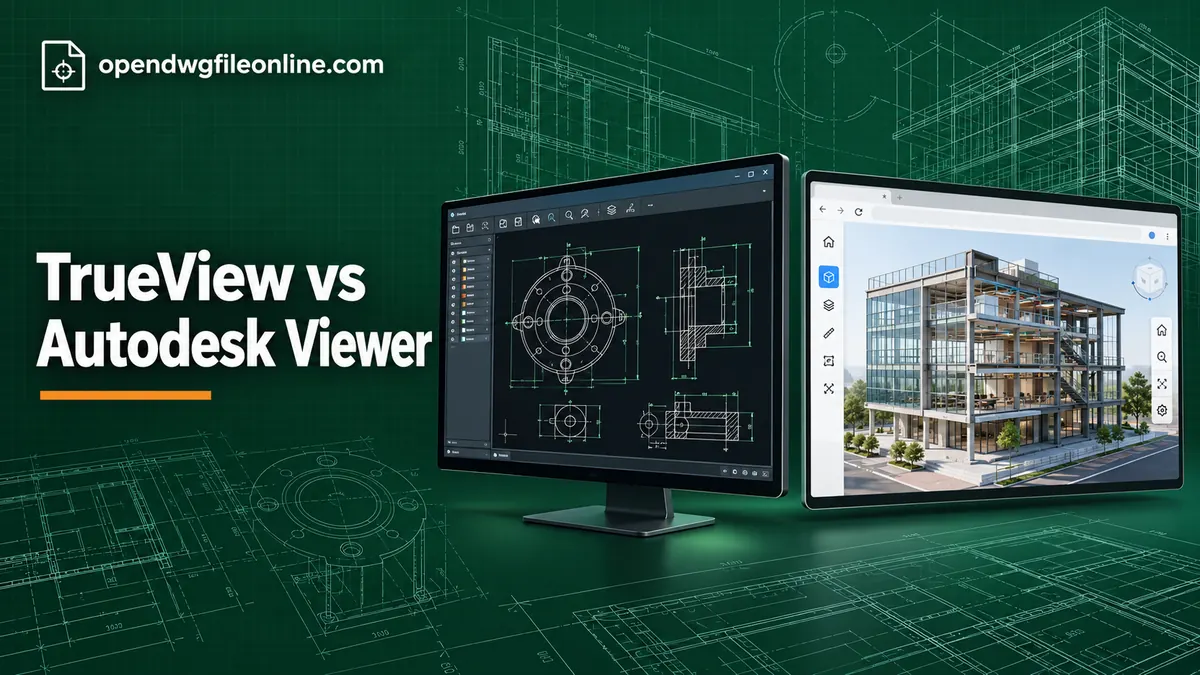
DWG TrueView is a free desktop application for Windows. It opens DWG and DXF files using the same engine as AutoCAD. It can measure, plot and convert drawings to older DWG versions. It can’t edit. Our DWG TrueView guide covers it in detail.
Autodesk Viewer is a free web app. You sign in with an Autodesk account and upload a file. Autodesk processes it in the cloud, then shows it in your browser. It opens DWG plus many other design formats, including Revit models and DWF files. Our Autodesk Viewer guide walks through it.
Platform support
TrueView runs only on Windows 10 and 11, 64-bit.
Autodesk Viewer runs in any modern browser. That includes Windows, Mac, Linux, Chromebooks and tablets.
If you’re not on Windows, this decides it. Use Autodesk Viewer, or a local browser viewer like the one on our homepage.
Privacy and where your file goes
This is the biggest difference, and the one people overlook.
TrueView keeps everything on your computer. Your DWG never leaves your machine.
Autodesk Viewer uploads your DWG to Autodesk’s servers. That’s how it works. For most drawings it’s fine. But some companies don’t allow client files to go to any cloud service. Architects working on secure buildings, engineers under NDA and government contractors often have strict rules.
If you’re unsure, ask before you upload. Or use TrueView or a local browser viewer, where the file stays with you.
Accuracy
Both use Autodesk technology, so both are very accurate. TrueView is slightly more trustworthy for detailed 2D work. It shows plot styles, line weights, fonts and layouts exactly as AutoCAD does, and it lets you check plot settings before printing.
Autodesk Viewer converts the file for web display. For most drawings you won’t spot any difference. Now and then, fonts or line types look a little different.
Printing and PDFs
TrueView is far better at printing. It has AutoCAD’s full Plot dialog. You can choose paper size, printable area, exact scale, plot styles and line weights. It also has Batch Plot for many sheets at once. And it can create PDFs at a precise scale using its built-in PDF plotter.
Autodesk Viewer is mainly for viewing on screen. Printing is basic and not designed for scale-accurate output.
If you print drawings that someone will measure with a scale ruler, use TrueView.
Measuring
Both tools can measure distances, areas and angles.
TrueView’s measure tools feel like AutoCAD. Object snaps help you click exact points.
Autodesk Viewer’s measure tool is simple and works well. It’s especially handy in 3D, where you can measure between faces and edges.
Either way, check the drawing units before trusting numbers.
3D models
Autodesk Viewer is better for 3D. You can orbit smoothly, cut sections through the model, explore a model browser and click objects to see their properties.
TrueView can orbit 3D DWG models and change visual styles, but it’s less smooth and has fewer review tools.
We cover 3D in more detail in how to view 3D DWG files without AutoCAD.
Sharing and markups
Autodesk Viewer wins this easily. You can share a link, so a client or colleague can see the drawing in their browser. You can add markups like clouds, arrows and notes, then share those too.
TrueView has no sharing or markup tools. You’d print or export a PDF, then email it and explain your comments in writing.
Converting DWG versions
TrueView has DWG Convert. It saves copies of your drawings in older DWG versions, so people with older software can open them. You can convert whole folders in one go.
Autodesk Viewer doesn’t convert files.
If someone says “I can’t open your drawing,” TrueView’s converter is often the fix. Our guide to checking a DWG file’s version explains the version names.
Setup and accounts
TrueView needs a big download and an install. No account needed.
Autodesk Viewer needs no install but does need a free Autodesk account.
On a work laptop where you can’t install software, Autodesk Viewer is easier. On a home PC where you don’t want yet another account, TrueView is easier.
Layers and layouts
Both tools let you turn layers on and off, which is the single most useful thing when a drawing is cluttered.
TrueView shows the full Layer Properties list, just like AutoCAD. You see every layer’s name, color and state. Turning one off only affects your view, not the saved file.
Autodesk Viewer has a simpler layer panel. It’s easy to use but shows less detail.
For layouts, TrueView has the familiar Model and Layout tabs at the bottom of the screen. Autodesk Viewer lists sheets and views in a side panel. Both get you to the printable sheet with its title block, they just look different.
Updates and file versions
Autodesk updates both tools, but in different ways.
Autodesk Viewer updates itself. You always use the latest version, so it can read the newest DWG files as soon as Autodesk adds support.
TrueView is versioned by year. A copy from several years ago may fail to open drawings saved by the newest AutoCAD. If a recent file won’t open, check whether a newer TrueView is available before you blame the file.
Learning curve
Autodesk Viewer is easier for beginners. The toolbar is small and the buttons are labeled clearly.
TrueView looks like AutoCAD, with a ribbon full of tools. It’s not hard once you know the three moves: scroll to zoom, hold the wheel to pan, double-click the wheel to see everything. But the first few minutes can feel busy.
Big files
TrueView handles large drawings well, since it uses your computer’s full power.
Autodesk Viewer has to upload the file first. A large drawing on a slow connection can take a while. Processing happens on Autodesk’s side, then your browser displays the result.
Comparison table
| Feature | DWG TrueView | Autodesk Viewer |
|---|---|---|
| Platform | Windows only | Any browser |
| Install | Yes, large | No |
| Account | No | Yes, free |
| File uploaded | No | Yes, to Autodesk cloud |
| 2D accuracy | Excellent | Very good |
| 3D review | Basic | Excellent |
| Print to scale | Yes, full plot tools | Basic |
| Batch print | Yes | No |
| Measure | Yes | Yes |
| Markups | No | Yes |
| Share link | No | Yes |
| Convert DWG version | Yes | No |
| Edit drawings | No | No |
Real-life examples
An estimator printing floor plans at 1:100. TrueView. It’s built for exact plots.
A homeowner on a MacBook looking at plans from an architect. Autodesk Viewer, or a local browser viewer if they’d rather not sign up.
A project manager reviewing a 3D model with a client over a video call. Autodesk Viewer. Share the link and orbit together.
An engineer working on a defense contract. TrueView, to keep files off any cloud.
A supplier whose customer uses AutoCAD 2010. TrueView’s DWG Convert, to save a copy in an older format.
What neither tool can do
Neither tool lets you edit the drawing. You can’t move walls, change text or fix dimensions. For that you need CAD software. Read DWG viewer vs DWG editor for a plain explanation of your options.
Questions people ask
Are both tools really free?
Yes. Both are free from Autodesk. Autodesk Viewer needs a free account.
Can I use Autodesk Viewer offline?
No. It runs in the cloud, so you need an internet connection.
Is TrueView available for Mac?
No. Mac users can use Autodesk Viewer or a browser-based viewer. See opening DWG files on a Mac.
Which one is faster?
For a quick look, Autodesk Viewer is faster to start if you’re already signed in. For opening many files every day, TrueView is faster once it’s installed.
The short version
DWG TrueView is the precise Windows tool for viewing, printing and converting. Autodesk Viewer is the cloud tool for sharing, markups and 3D on any device. Pick TrueView when accuracy, printing or privacy matter. Pick Autodesk Viewer when you need to collaborate. And when you just want a private look without installing or signing in, open the file in our free online DWG viewer.